efesapps
← All apps
Study · version 1.0.0

Ham Radio Trainer

Pass the Canadian amateur radio Basic exam, with Honours.

Web browser
Works on computers, tablets and phones.
Open app
Android
Download the app, or add the web version to your home screen.See how ↓
Download APK
iPhone & iPad
Opens the app. Then Safari Share → Add to Home Screen.See how ↓
Open to install

Works offline once opened. Your progress is saved on your device.

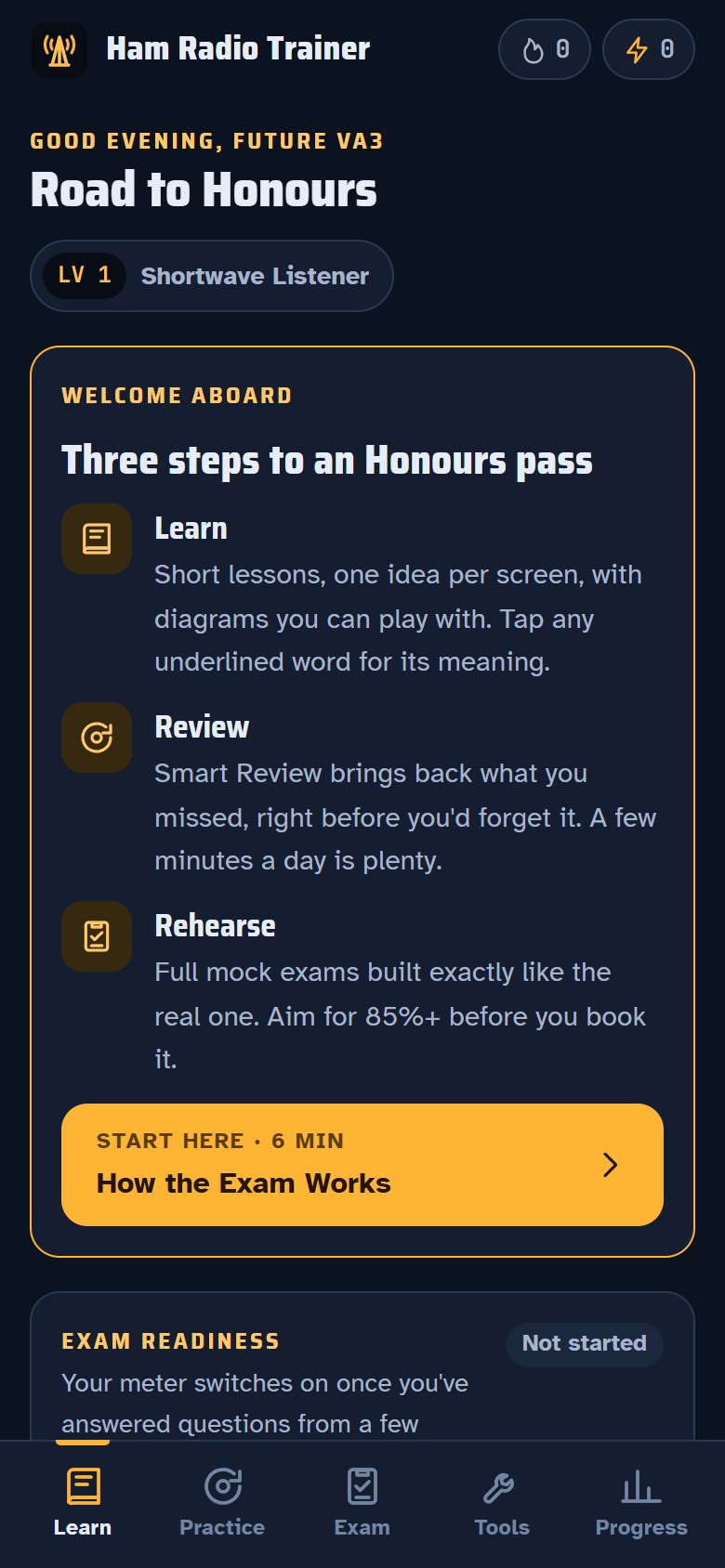
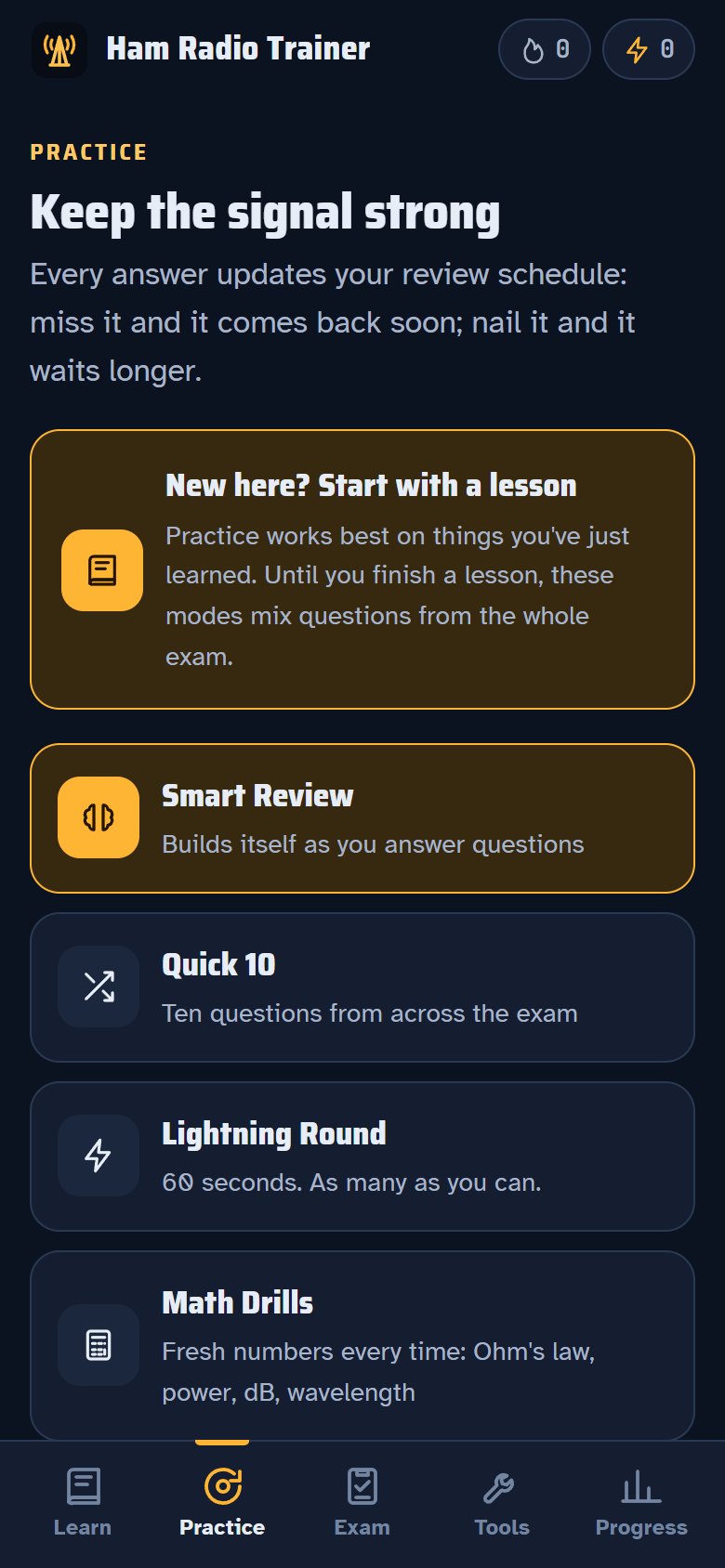
Lessons for all 8 exam sectionsSmart Review, Quick 10, Lightning Round and Math Drills

About the app

A mobile-first study app for the Canadian Amateur Radio Operator Certificate (Basic Qualification, ISED question bank effective July 15, 2025). The goal: pass with Honours (80%+ unlocks HF).

  • Short lessons with interactive diagrams for all 8 exam sections
  • Original practice questions with explanations, tagged to the 100 official topic groups
  • Smart Review (spaced repetition), Quick 10, Lightning Round, Math Drills and Fix My Mistakes
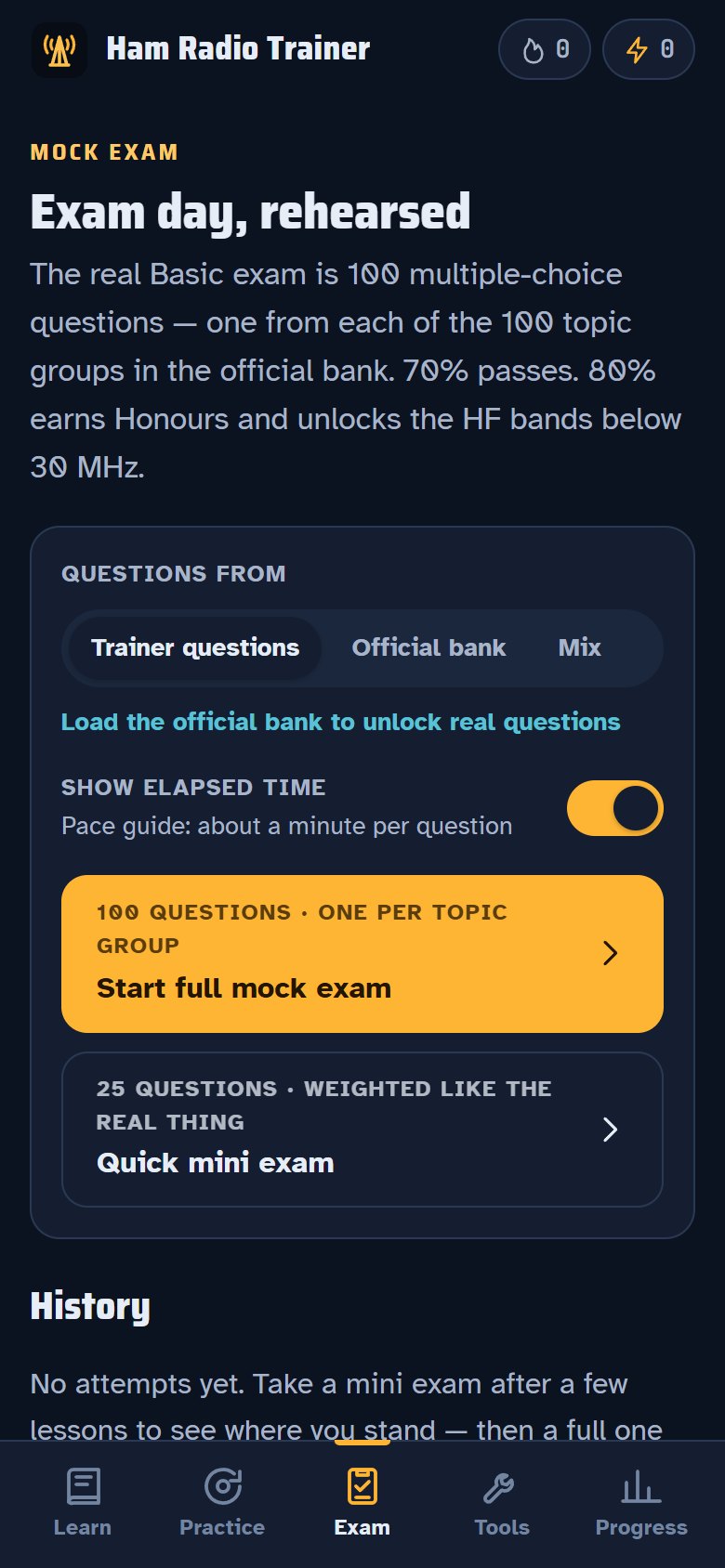
  • 100-question mock exams scored like the real thing (70% pass, 80% Honours)
  • Import ISED's official question bank PDF to practise the real questions, right on your device
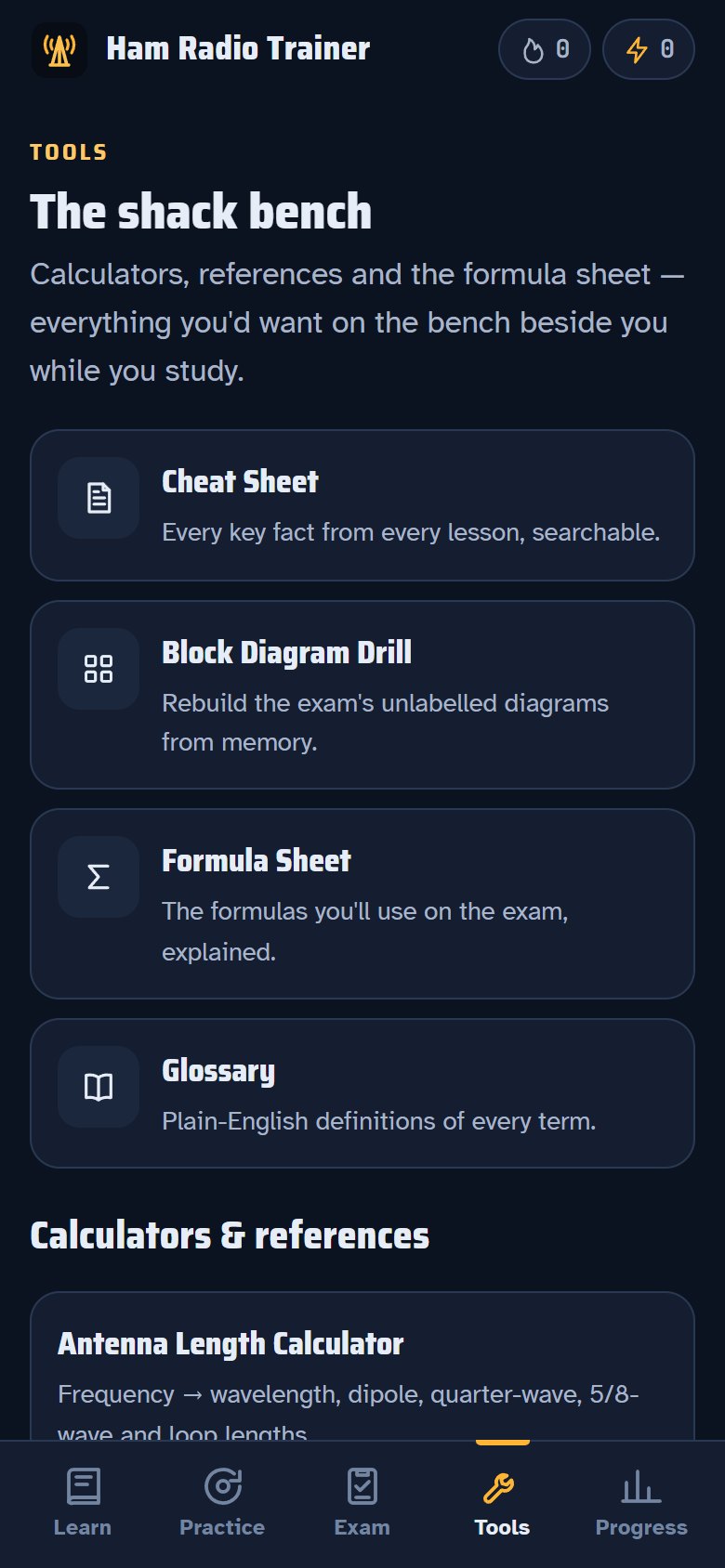
  • Calculators and references: Ohm's law, resistor colours, antenna lengths, dB, band plan, Q-codes, Morse
  • Readiness meter, weakest topics, XP, streaks and badges

Screenshots

Lessons for all 8 exam sections
Smart Review, Quick 10, Lightning Round and Math Drills
Mock exams scored like the real thing
Calculators and quick references
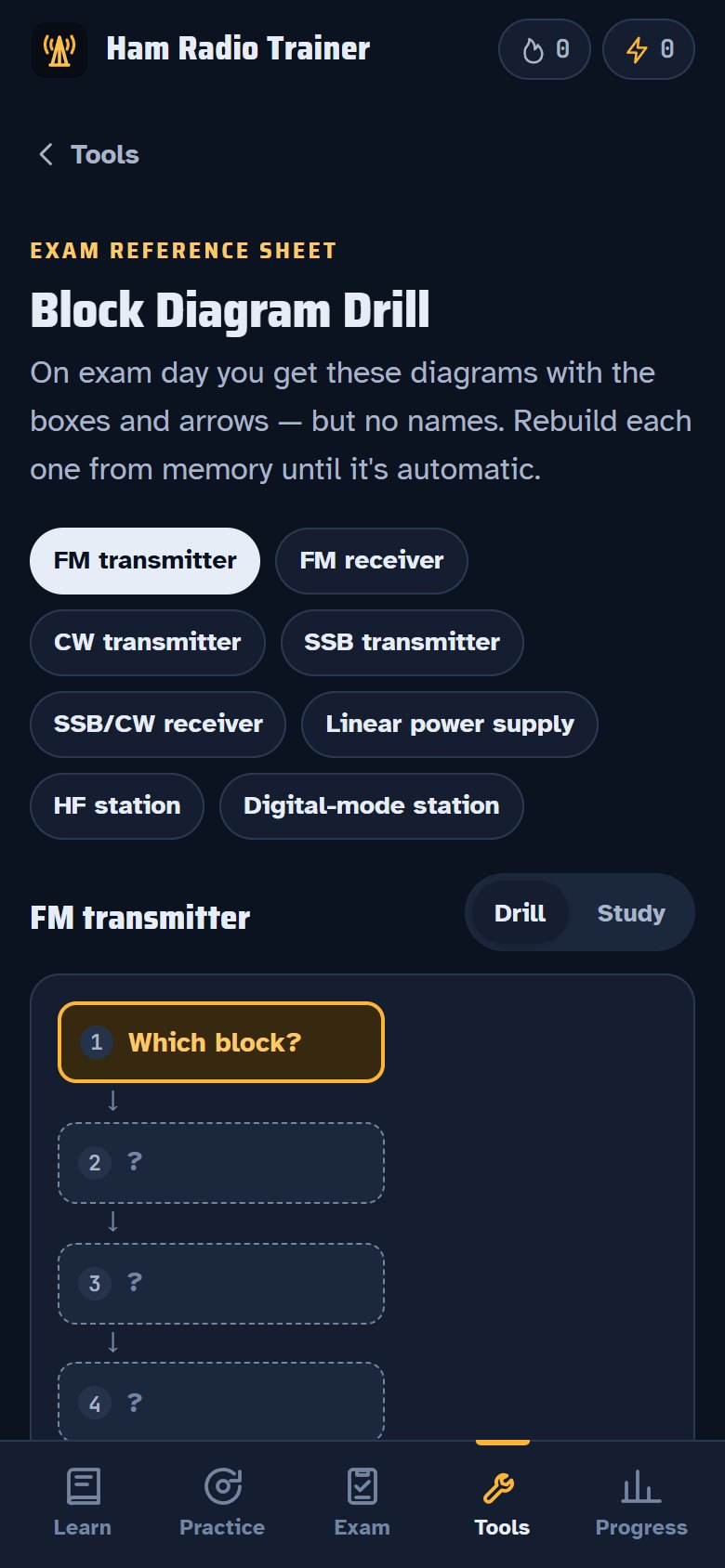
Block diagram drills for exam day

Put Ham Radio Trainer on your home screen

Install it like a regular app: it gets its own icon, opens in its own window and works offline. It's free and takes about 10 seconds.

Your device

iPhone & iPad

  1. Open the app: tap Open app in Safari.
  2. Tap the Share button(bottom of the screen on iPhone, top right on iPad)
  3. Scroll down and tap Add to Home Screen
  4. Tap Add. The app's icon appears on your home screen.
Your device

Android

  1. Open the app: tap Open app in Chrome.
  2. Tap the menu(top right)
  3. Tap Add to Home screen (or Install app).
  4. Tap Install. The app's icon appears on your home screen.

Prefer a regular app? Use the Download APK button on the app's page.

Your device

Computer

  1. Open the app: tap Open app in Chrome or Edge.
  2. Click the install icon at the right end of the address bar
  3. Click Install. The app opens in its own window.